

Product Tour
Experience Hyperview
Ready to see our industry-leading DCIM platform in action? Take the tour below to see how our easy-to-use, cloud-based solution helps data center teams work smarter, improve efficiency, and get results faster.
Product Tour
Experience Hyperview
Ready to see our industry-leading DCIM platform in action? Take the tour below to see how our easy-to-use, cloud-based solution helps data center teams work smarter, improve efficiency, and get results faster.
TRUSTED BY OPERATIONS TEAMS WORLDWIDE

TRUSTED BY OPERATIONS TEAMS WORLDWIDE

More tours
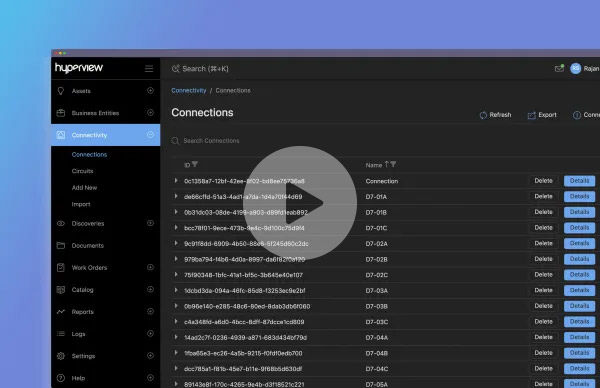
Streamline your network documentation
Explore our Connectivity add-on to simplify cabling. Track cable runs, patch panels, and switch ports with automatic updates and asset links.
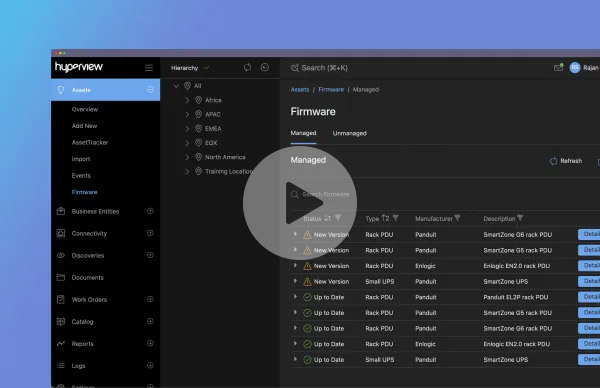
Control power, firmware and door locks
Manage remote infrastructure with our Control add-on. Open rack doors, power PDU outlets, and update firmware—all from Hyperview.

Discover every asset in your infrastructure–automatically
Explore our Auto-Discovery tool and see how it eliminates manual data entry while delivering precise device-level insights, saving you time and effort.
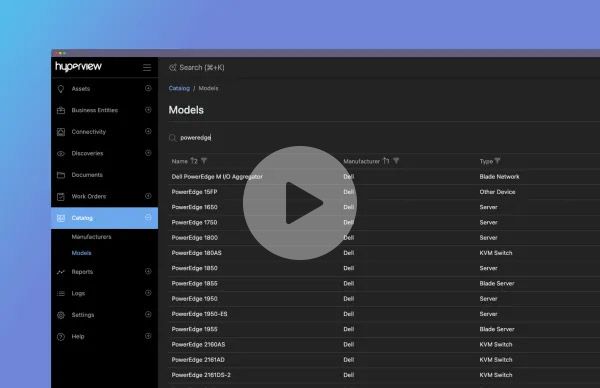
Streamline asset configuration with our comprehensive Catalog
Tap into our massive, always-updated asset Catalog that auto-fills device specs and images, or easily add your own custom models to keep your asset data spot-on.
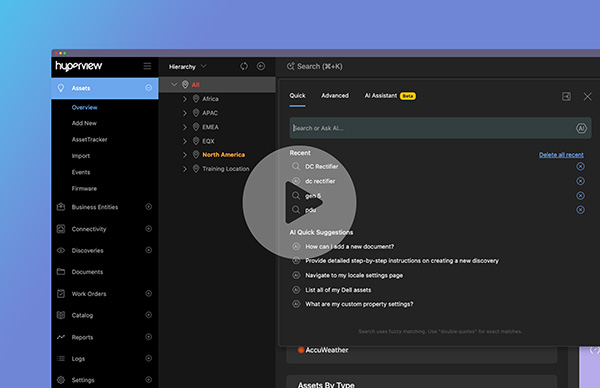
AI Assistant, your smart and handy new sidekick
Get instant help and work smarter. Your AI Assistant is here to help you find features, complete tasks, and get quick answers whenever you need them.
More tours
Streamline your network documentation
Explore our Connectivity add-on to simplify cabling. Track cable runs, patch panels, and switch ports with automatic updates and asset links.
Control power, firmware and door locks
Manage remote infrastructure with our Control add-on. Open rack doors, power PDU outlets, and update firmware—all from Hyperview.
Discover every asset in your infrastructure–automatically
Explore our Auto-Discovery tool and see how it eliminates manual data entry while delivering precise device-level insights, saving you time and effort.
Streamline asset configuration with our comprehensive Catalog
Tap into our massive, always-updated asset Catalog that auto-fills device specs and images, or easily add your own custom models to keep your asset data spot-on.
AI Assistant, your smart and handy new sidekick
Get instant help and work smarter. Your AI Assistant is here to help you find features, complete tasks, and get quick answers whenever you need them.
Common questions
An asset is any physical or virtual asset within your digital infrastructure that you discover (if network-connected) or manually add, manage, and/or monitor with Hyperview. These include operational technologies (racks, generators, UPS, PDUs, CRACs, CRAHs, RPPs, chillers), hardware (servers, storage, network devices, sensors/IoT, patch panel, and firewall), and virtual machines (VMs).
All assets defined here are billable. Unknown assets and components like software applications are not billable. Our pricing is USD $3 per asset per year. All software updates, upgrades and maintenance are included in your subscription. The minimum amount of assets you can purchase is 500 assets. For 10,000 assets or more, please contact sales to request a quote. In addition, you have the option to purchase add-ons and professional service bundles (Success Packs) that help you do more with Hyperview.
Add-on features depend on the number of assets in your subscription. For example, if you have 1,000 assets and want to add the Connectivity feature, it would cost $2,000 per year ($2 per asset). The add-on feature always matches the number of assets in your subscription and can’t vary. The only exceptions are the Asset Tracking RFID and Augmented Reality add-ons, which are based on the number of racks in your environment.
Yes. Pricing per asset per year depends on your location and the selected hosting region for your Hyperview instance. For example, if you’re based in the United Kingdom and choose the EU North region, the cost is £2. Similarly, if you are based in the United States and choose UAE North, the price is USD $3. Please refer to the table below for more information.
| NORTH AMERICA REGIONS (US WEST, US EAST, CANADA CENTRAL) |
OTHER AVAILABLE REGIONS (EU NORTH, UAE NORTH, APAC SEA) |
|
|---|---|---|
| Domicile: USA, Canada, Rest of World | USD $3 | USD $3 |
| Domicile: United Kingdom | GBP £2 | GBP £2 |
| Domicile: European Union | EUR €3 | EUR €3 |
Yes. You can add more assets and add-on features anytime, and the cost will be adjusted based on your current subscription period. For example, if you initially subscribed to 1,000 assets and later choose to add 500 more halfway, the additional assets will only be billed for the remaining six months of your subscription.
As many as you need. There is no limit to the number of users when using Hyperview, and no additional charges.
Yes. As a cloud-based software, all updates, upgrades, and maintenance are included with your subscription. As enhancements are made to the software, your account gets updated with these changes immediately. No administrative work is required on your end.
If you decide that Hyperview is no longer the right platform for you, simply cancel your subscription through the Customer Portal by clicking Close Subscription at least 30 days prior to the renewal date.
With Hyperview, you can start using the platform right away once you sign up.
In addition to our online resources like documentation, videos, and courses for self-learning, an account manager will kick off a complimentary One-on-One Onboarding project to help you get up and running within 10 business days.
No. A connection is a point-to-point object and is not billable. Hyperview only bills based on asset count. Each asset has up to 20 connections that it can make and this number is pooled based on your total asset count. For example, if your subscription is for 1,000 assets then you have 20,000 connections available to use in any manner you wish. Further, an asset can have as many ports as it needs and there is no additional charge.
A Success Pack is a bundle of professional service hours that you can use for training, configuration, and migration. These hours are available for you to use within 12 months of selecting and ordering your Success Pack. We offer Success Packs of 12 Hours, 50 Hours, and 100 Hours. Each Success Pack also includes one-on-one onboarding and access to a technical account manager.
Yes. Since Hyperview is deployed over Azure geographies, you have the ability to choose the region that meets your specific data residency and compliance requirements. This lets you keep your business-critical data nearby on a fault-tolerant, high-capacity networking infrastructure. We currently offer US West, US East, Canada Central, EU North, UAE North, and APAC Southeast Asia with more being added based on user demand.
Absolutely. Data privacy and security are top priorities at Hyperview. Our deployment on Azure regions is certified for PCI, SOC, and other standards, ensuring your data is kept isolated and never mixed. Hyperview is SOC 2 Type II compliant, meeting stringent industry standards. Enterprise-level security and encryption is integrated across all layers for data safety and privacy protection. Our disaster recovery plan activates in emergencies, replicating data across Azure regions with fail-safe measures. View our Security Overview Document
Yes. Each user is associated with a role that dictates how they can interact with assets, and which application features they can access. Hyperview grants the most access privileges to the Administrator role with gradually fewer access privileges enabled to each role below that.
| ROLE | PRIVILEGES |
|---|---|
| Administrator | Has unrestricted, system-wide access in Hyperview and is not impacted by asset access policies |
| Data Center Manager | Has complete asset management privileges, but cannot run or configure discoveries, administer accounts, view the application log, or make system-wide changes |
| Power User | Has Data Center Manager-level privileges, but cannot delete or bulk delete records |
| Reporting | Has read-only access to Hyperview for reporting purposes |
| Read Only | Has read-only access to Hyperview |
Yes. As a Hyperview user, you have full access to our Docs and online courses. You can also submit Helpdesk tickets and feature requests.
Yes. Our robust, vendor-agnostic auto-discovery tool doesn’t need an agent. By speaking many different protocols–like SNMP, IPMI, BACnet, and Modbus–it can discover assets in the operational, IT, and virtual layers of your digital infrastructure. We offer our lightweight data collector software in both Windows and Linux versions.
The primary use cases for auto-discovery are two-fold. First, is to set up the asset’s digital twin along with all the discovered sensors for monitoring. The second is to check for any authorized and unauthorized changes on the asset.
No. Unlike most traditional DCIM software providers who rely on resellers, Hyperview is sold directly to users. This approach minimizes the need for professional services and ensures we can control the quality of your experience while offering greater value at a lower cost. We publish our pricing transparently, free from reseller markups or hidden fees—what you see is what you get. Additionally, customer support is provided directly by Hyperview, not through third parties.
Components
Component assets are auto-discovered by Hyperview but are not billable. You can search for them, but you cannot add or import them manually.
- Blanking Panel
- Busway Tap Off
- Cable
- Cable Management Panel
- IP Address
- Memory
- NIC
- Operating System
- Outlet
- PDU/RPP Breaker
- Physical Storage
- Power Supply
- Processor
- Rack Accessories
- Software
- Transceiver
Billable Assets
Operational Technology
- Cabinet/Rack
- Generator
- PDU/RPP
- Rack PDU
- UPS
- Busway
- CRAC
- CRAH
- Chiller
- In-Row Cooling
- Transfer Switch
- Fire Control Panel
- Power Meter
- Utility Breaker
- Camera
Hardware
- Server
- Node Server
- Blade Server
- Blade Network
- Blade Storage
- Blade Enclosure
- Network Device
- Network Storage
- Sensors/IoT
- Router
- Firewall
- Monitor
- Patch Panel
Virtual
- vCenter/VMware
- Hyper-V
- KVM
